Cara Penanganan :
- Lakukan pengecekan pada OneDrive apakah sudah Sign In atau belum.
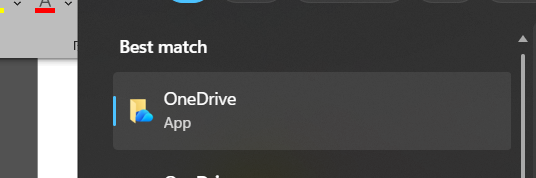
- Klik pada Icon OneDrive di pojok Kanan bawah (klik 2x), Jika tidak ada buka manual Search pada Windows ketik OneDrive
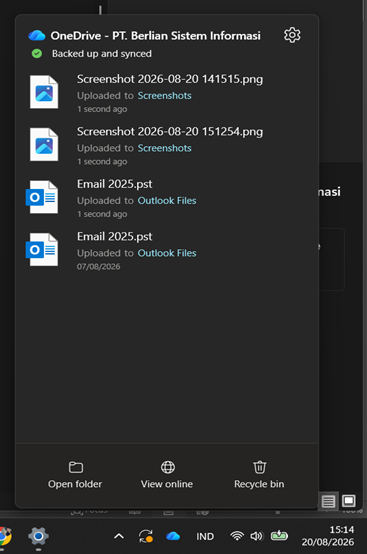
- Jika sudah cek Kembali OneDrive nya, Pastikan sudah login dan Sync. Klik Icon OneDrive pada pojok Kanan bawah. Hingga muncul tampilan “Synced” Ceklist Hijau.
Was this article helpful?
That’s Great!
Thank you for your feedback
Sorry! We couldn't be helpful
Thank you for your feedback
Feedback sent
We appreciate your effort and will try to fix the article