1. Go to column search
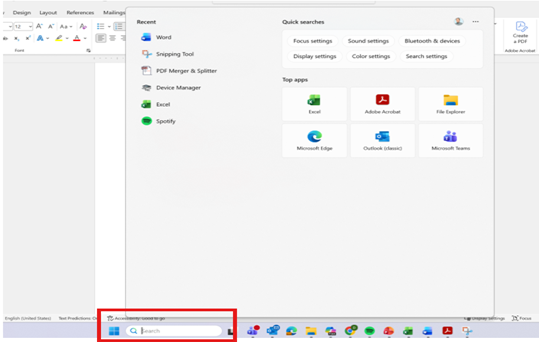
2. Type %temp% and enter
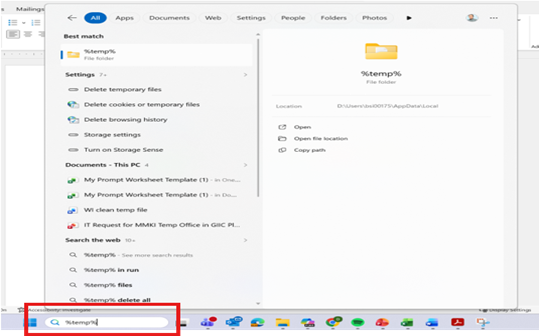
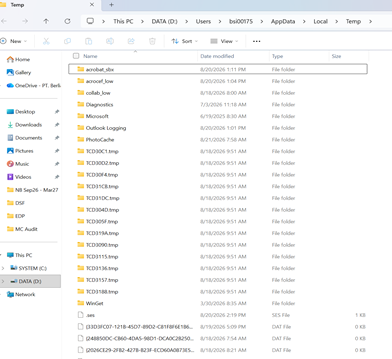
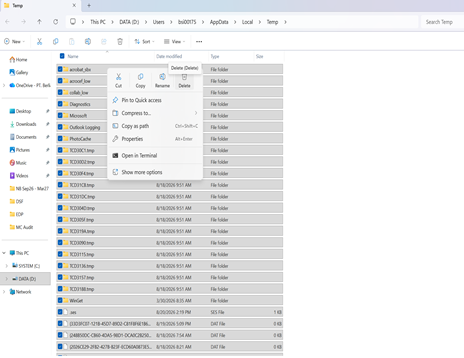
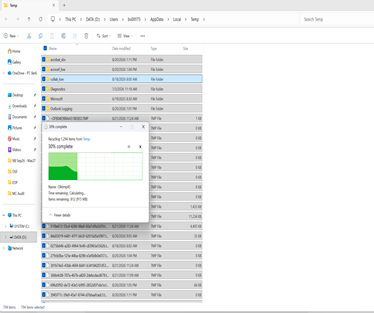
2. In local temp, please select All (press ctrl A), right click choose delete
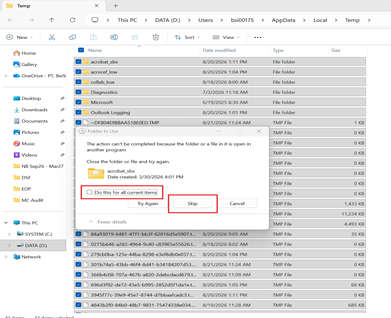
3. In progress, if appear folder in use please ensure all file is closed and click Do this for all current items and click bottom Skip
Was this article helpful?
That’s Great!
Thank you for your feedback
Sorry! We couldn't be helpful
Thank you for your feedback
Feedback sent
We appreciate your effort and will try to fix the article