Cara Penanganan:
- Restart Teams App (Klik kanan pada Icon Teams di pojok Kanan bawah klik Quit Teams. Lalu coba buka Kembali.
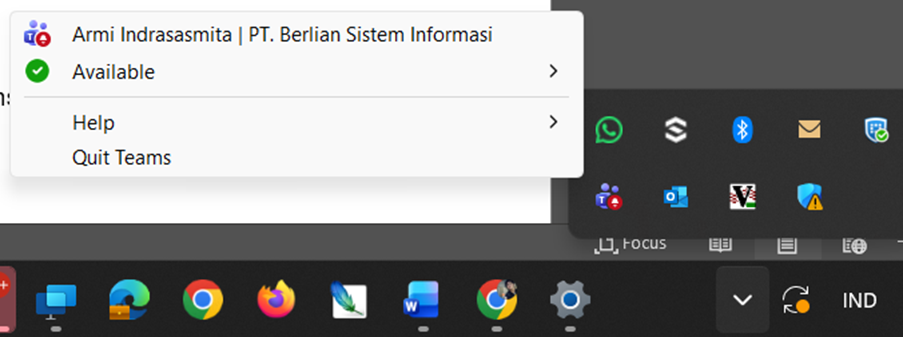
- Jika masih tidak bisa, Lakukan update Teams. Download driver pada google, dan instal manual teams terbaru. (Tidak memerlukan USER ADMIN).
- Jika masih terkendala Hubungi tim Support BSI
Was this article helpful?
That’s Great!
Thank you for your feedback
Sorry! We couldn't be helpful
Thank you for your feedback
Feedback sent
We appreciate your effort and will try to fix the article